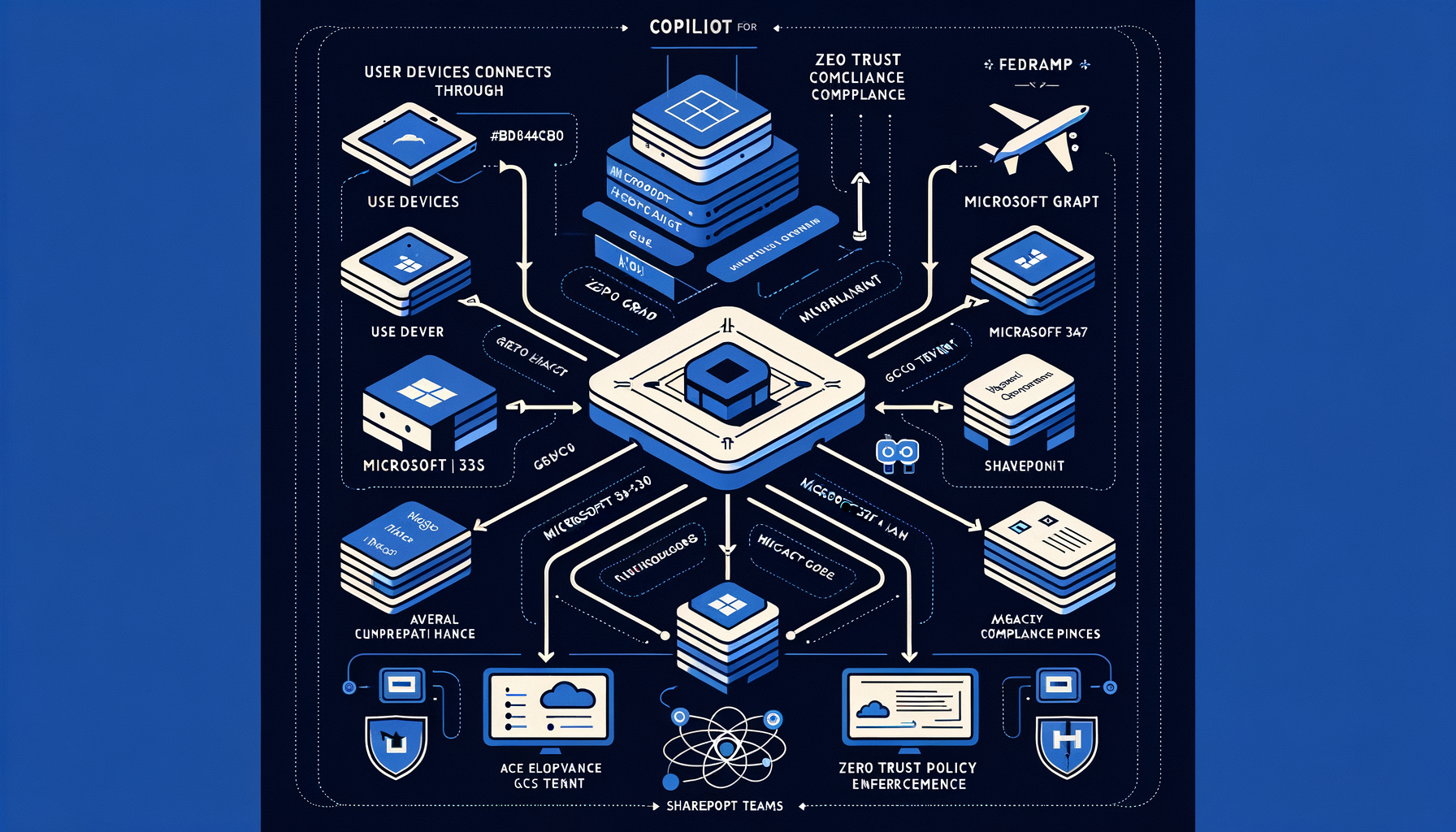
What Copilot Studio is and why it matters
Microsoft Copilot Studio is Microsoft's end-to-end platform for building, testing, and deploying custom copilots and conversational AI agents that integrate with data, actions, and enterprise systems across the Microsoft ecosystem, including Power Platform and Microsoft 365 experiences such as Teams and web apps [1]. It enables low-code and pro-code authoring, connectors to business systems, and orchestration of actions, providing agencies with a rapid way to stand up task-focused AI agents for constituent services, case handling, and internal workflows [1]. For federal missions, Copilot Studio offers a path to operationalize AI agents under existing Microsoft identity, compliance, and governance controls, aligning with OMB M-24-10 requirements to manage AI risks and inventory uses while advancing mission delivery [6].
Government cloud and compliance context
Azure Government is a physically and logically isolated instance of Azure tailored for US government with dedicated datacenters, identity boundary to US persons screened per federal requirements, and services designed to meet US Government compliance needs [3]. Microsoft states Azure Government supports FedRAMP High and Department of Defense Cloud Computing Security Requirements Guide (DoD CC SRG) Impact Levels IL2, IL4, IL5, and offerings for classified workloads (IL6) via Azure Government Secret [4]. Power Platform has dedicated US Government offerings (GCC, GCC High, DoD) with service isolation and compliance commitments documented by Microsoft for government customers, providing a foundation for deploying workflow automation and conversational agents in regulated environments [2].
Azure OpenAI Service has documented support and constraints for operation within national clouds, including Azure Government, with specific regional availability, compliance considerations, and network boundaries distinct from commercial Azure [8]. Microsoft documents the data, privacy, and security handling for Azure OpenAI, including that customer prompts and responses are not used to train OpenAI models and controls for data retention and logging, subject to service configuration and regional policies [9]. Agencies should use Azure Policy to enforce allowed locations, resource configurations, and compliance controls at scale across subscriptions, including Azure Government, as part of AI service governance [10].
UNVERIFIED: The exact availability and feature parity of Copilot Studio generative capabilities and agent runtime in GCC High and DoD environments (including whether generative answer features use Azure OpenAI in US Government clouds) requires confirmation from current Microsoft service descriptions beyond the sources cited here. Reviewers should validate the current service plan and feature table for Copilot Studio in US Government clouds before acquisition or ATO.
Core capabilities relevant to federal workflows
- Authoring and orchestration: Copilot Studio provides designer experiences to define conversational topics, intents, and flows, and to wire up actions that call APIs and Power Automate flows, enabling agents to perform and log tasks within enterprise systems [1]. It leverages Power Platform connectors to reach hundreds of systems (Microsoft and third-party), enabling integration with records, case management, and data services critical to federal workflows [14].
- Enterprise integration: Copilots can be surfaced in channels like Microsoft Teams, websites, and custom apps, allowing agencies to meet end-user where they work while retaining enterprise identity and access controls in the Microsoft 365 context [1].
- Data grounding and retrieval: Microsoft documents capabilities to connect copilots to organizational content sources and data via connectors and Power Platform, enabling retrieval-augmented responses and task execution under tenant boundaries [1][14].
- Governance and lifecycle: Because Copilot Studio is part of the Microsoft ecosystem, agencies can align its deployment with Azure Policy, Power Platform environment strategies, and broader governance tooling to manage environments, DLP, and connectors consistent with agency policy [2][10].
Policy alignment
- Executive Order 14110 directs federal agencies to use AI safely and securely, develop governance, and manage risks, including advancing standards and safeguards for AI use [5]. Copilot Studio deployments should be scoped to mission use cases, with documented governance and safeguards consistent with EO 14110.
- OMB M-24-10 requires agencies to inventory AI uses, appoint Chief AI Officers, conduct risk assessments, implement test and evaluation including red-teaming for safety risks, ensure procurement aligns with AI risk management, and set up governance for generative AI [6]. Agencies using Copilot Studio should:
- Register each copilot as an AI use in the agency inventory and categorize risk per M-24-10 [6].
- Conduct pre-deployment testing, safety evaluation, and red-teaming tailored to the copilot’s capabilities and risk profile, including prompt injection and data leakage scenarios [6].
- Implement role-based access, content controls, audit, and monitoring consistent with OMB governance requirements [6].
- NIST AI Risk Management Framework (AI RMF 1.0) provides functions—Govern, Map, Measure, Manage—to identify and mitigate AI risks across the lifecycle [7]. Agencies should apply AI RMF to Copilot Studio projects by:
- Govern: Define policies for acceptable use, data sources, and connector DLP in government environments [2][10][7].
- Map: Document system context, intended uses, stakeholders, and potential harms (e.g., erroneous guidance, data exfiltration) [7].
- Measure: Evaluate model and agent behavior for accuracy, robustness, safety (including content filtering behavior if using Azure OpenAI) [7][9].
- Manage: Deploy controls, monitor performance and incidents, and iterate governance and technical safeguards [7][10].
Microsoft platform position and federal deployment options
- Azure Government compliance posture: FedRAMP High and DoD IL2/IL4/IL5/IL6 support provide a path for agencies to host workloads with appropriate impact-level controls, subject to agency ATO processes [4][15].
- Azure AI Foundry: Microsoft’s platform for building, evaluating, and deploying AI applications provides tooling for model evaluation, data connections, safety features, and MLOps that can complement Copilot Studio efforts, particularly for agencies developing custom models and integrations alongside Copilot agents [12]. Agencies should confirm national cloud support for specific Foundry features prior to use (availability varies by region and cloud) [8][12].
- Microsoft 365 Government: Many agencies operate within GCC or GCC High for collaboration and identity; Copilot Studio agents can be deployed in channels such as Teams and web where supported by the government service plan [1][13]. UNVERIFIED: Current availability of Copilot for Microsoft 365 features in GCC and GCC High and the integration boundaries with Copilot Studio must be validated against up-to-date Microsoft service descriptions.
Security, privacy, and responsible AI controls
- Identity, isolation, and data handling: US Government offerings provide environment isolation and compliance commitments; agencies should limit connectors and actions per DLP policies in Power Platform, enforce least privilege, and restrict data sources used to ground copilots [2][10].
- Azure OpenAI safety and data privacy: Microsoft documents that prompts and responses are not used to train the base models, with options for content filtering and abuse monitoring; agencies must configure safety settings and evaluate behavior against mission risks [9].
- Responsible AI tooling: Microsoft publishes guidance and tooling for responsible ML, including evaluation, explanations, and fairness considerations; while Copilot Studio is not the same as Azure ML, agencies can apply RMF-aligned evaluation workflows and governance patterns to copilots [11][7].
Deployment architecture patterns for federal use
- Pattern: Internal workflow assistant in GCC/GCC High
- Channel: Microsoft Teams app or web embedded copilot [1].
- Integration: Use Power Automate actions and approved connectors to reach case systems and records with DLP policies enforced [14][2][10].
- Data grounding: Restrict to SharePoint/Dataverse or approved APIs; prohibit external web search if policy requires [2][10].
- Controls: Azure Policy for resource governance; environment-level security baselines; documented AI RMF evaluation [10][7].
- Pattern: Constituent-facing copilot on agency website
- Channel: Web channel hosted under agency domain with content grounded to public information; strict connector whitelisting [1][14][2].
- Safety: Pre-deployment red-teaming per M-24-10; enable Azure OpenAI content safety features if generative responses are used [6][9].
- Monitoring: Incident response runbooks and continuous evaluation per RMF Manage function [7].
UNVERIFIED: Whether Copilot Studio web channel and Teams deployment are supported in GCC High and DoD with generative features and all connectors depends on current service plan specifics; confirm with Microsoft’s latest US Government product documentation before implementation.
Acquisition and ATO considerations
- Agencies should leverage Azure Government’s existing FedRAMP High posture and DoD IL coverage where applicable but must still issue an agency Authority to Operate (ATO) for the full solution boundary, including Copilot Studio, connectors, and any Azure OpenAI dependencies [4][15].
- OMB M-24-10 requires AI risk considerations in procurement, including contractor obligations for safety, security, and incident response; solicitations for Copilot Studio-based solutions should include AI governance requirements (inventory, assessment, evaluation, and data controls) [6].
- Verify national cloud availability and data residency commitments for all AI dependencies (Azure OpenAI, connectors) before award; the Azure OpenAI national clouds documentation should be referenced in acquisition and ATO packages [8][9].
Risks, gaps, and mitigations
- Availability and feature parity risk: Generative features and certain connectors may not be available or may differ in GCC High/DoD; plan for alternatives (non-generative flows, restricted connectors) and confirm with current service documentation. UNVERIFIED; requires vendor confirmation.
- Safety and reliability risk: Generative agents can hallucinate or misroute actions; mitigate via narrow scopes, explicit action approval, strong grounding, and test/evaluation including adversarial red-teaming per OMB M-24-10 and NIST RMF Measure/Manage [6][7][9].
- Data leakage risk: Improper connector use can exfiltrate sensitive data; enforce DLP, least-privilege access, and environment isolation per Power Platform US Government guidance and Azure Policy [2][10].
Implementation checklist for federal teams
- Confirm cloud and service availability in GCC/GCC High/DoD for Copilot Studio, connectors, and Azure OpenAI; document boundaries and data flows. UNVERIFIED without current vendor confirmation [2][8][9].
- Register the copilot as an AI use in the agency inventory; assign accountability per M-24-10 [6].
- Apply NIST AI RMF: complete Govern/Map/Measure/Manage artifacts; plan ongoing evaluation [7].
- Configure Azure Policy and Power Platform DLP; restrict connectors and regions; set identity and access controls [2][10].
- Conduct safety evaluation and red-teaming specific to copilot capabilities; validate content filtering and error handling [6][9].
- Prepare ATO package reflecting Azure Government compliance, service dependencies, and agency-specific controls; align procurement language to AI governance requirements [4][15][6].
Bottom line
Copilot Studio provides a practical mechanism for agencies to build custom AI agents embedded in existing Microsoft workflows, but mission-safe deployment in US Government clouds depends on validated feature availability, strong governance, and compliance-aligned controls under OMB and NIST frameworks [1][2][3][4][6][7]. Treat Copilot Studio-based agents as AI systems subject to M-24-10; verify government cloud support for generative features; and anchor deployments in Azure Government with Azure Policy and risk management discipline [4][10][6][7].
Sources
[1] What is Microsoft Copilot Studio — https://learn.microsoft.com/en-us/copilot-studio/overview
[2] Microsoft Power Platform US Government — https://learn.microsoft.com/en-us/power-platform/admin/government
[3] Azure Government overview — https://learn.microsoft.com/en-us/azure/azure-government/azure-government-overview
[4] Azure Government compliance offerings — https://learn.microsoft.com/en-us/azure/azure-government/compliance
[5] Executive Order 14110 (Federal Register) — https://www.federalregister.gov/documents/2023/11/01/2023-24078/safe-secure-and-trustworthy-development-and-use-of-artificial-intelligence
[6] OMB M-24-10 — https://www.whitehouse.gov/wp-content/uploads/2024/03/M-24-10.pdf
[7] NIST AI RMF 1.0 — https://nvlpubs.nist.gov/nistpubs/ai/NIST.AI.100-1.pdf
[8] Azure OpenAI Service in national clouds — https://learn.microsoft.com/en-us/azure/ai-services/openai/concepts/national-clouds
[9] Azure OpenAI Service data, privacy, and security — https://learn.microsoft.com/en-us/azure/ai-services/openai/concepts/data-privacy
[10] Azure Policy overview — https://learn.microsoft.com/en-us/azure/governance/policy/overview
[11] Responsible AI in Azure Machine Learning — https://learn.microsoft.com/en-us/azure/machine-learning/concept-responsible-ml
[12] Azure AI Foundry — https://azure.microsoft.com/en-us/products/ai-foundry
[13] Microsoft 365 Government overview — https://learn.microsoft.com/en-us/microsoft-365/enterprise/microsoft-365-government
[14] Power Platform connectors reference — https://learn.microsoft.com/en-us/connectors/connector-reference/
[15] FedRAMP authorization process — https://www.fedramp.gov/authorization/