Why this matters
Federal AI directives require agencies to govern, measure, and manage AI risks while modernizing knowledge access for mission performance [1][2][3]. SharePoint Online, Microsoft 365 Copilot, and Microsoft Purview provide a path to an AI-ready knowledge management system that respects zero trust, records laws, and sensitive data protections, using existing Microsoft 365 Government services [4][5].
Policy drivers and constraints
- OMB M-24-10: Agencies must implement AI governance, risk management, inventories, and safeguards; adopt frameworks such as NIST AI RMF; and ensure transparency, safety, and privacy for AI uses [1][3].
- EO 14110: Directs safe, secure, and trustworthy AI development and use, emphasizing privacy, security, and federal procurement alignment [2].
- OMB M-22-09 Zero Trust: Requires strong identity, device, network, and data controls, including granular authorization and logging, applied to collaboration platforms like Microsoft 365 [4].
These policies mean knowledge systems powering AI assistants must: limit access to least privilege; enforce labeling/retention; provide audit/eDiscovery; and enable risk assessments.
Platform posture and scope for federal
- Microsoft 365 US Government (GCC, GCC High, DoD) is a distinct service with U.S. data residency and compliance controls documented in its service description, including alignment to FedRAMP baselines for government workloads [5]. Agencies should select the appropriate cloud (GCC vs. GCC High vs. DoD) per mission data sensitivity and regulatory requirements [5].
- Azure Government provides segregated, U.S.-only regions and compliance attestations designed for federal workloads, with security and compliance documentation mapping to standards including FedRAMP and DoD SRG impact levels [18]. Use Azure Government when extending knowledge systems into custom AI services or data pipelines.
UNVERIFIED: Current availability of Copilot for Microsoft 365 in GCC, GCC High, or DoD environments should be confirmed with the Microsoft 365 Government service description and the Copilot requirements page; availability and feature parity vary by cloud and time [5][21]. Flag for reviewer.
How Microsoft 365 Copilot uses agency data
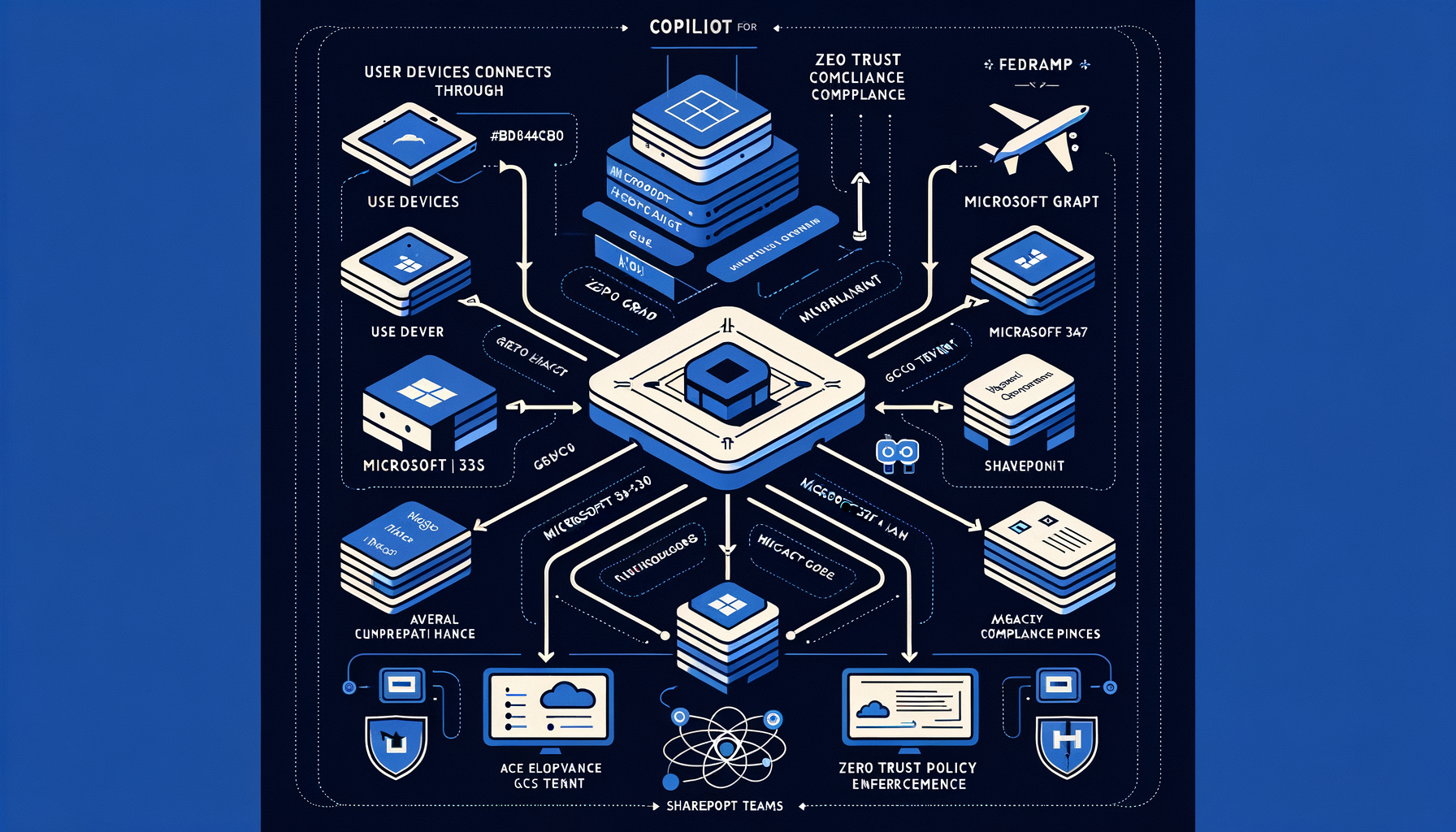
- Copilot for Microsoft 365 operates over the Microsoft Graph, grounding responses with the user’s authorized content from SharePoint, OneDrive, Teams, and other M365 apps; it respects existing permissions and does not elevate access [7]. Microsoft’s data, privacy, and security documentation states Copilot does not train foundation models on tenant content and is designed to honor organizational policies and compliance boundaries [6].
- Administrators should assume Copilot can surface any content a user can access via Microsoft Search; therefore, access controls, classification, and search visibility must be correct before enabling Copilot broadly [6][7][16].
Reference architecture: AI-ready knowledge management on SharePoint
- Information architecture and findability
- Establish managed metadata and enterprise taxonomies using SharePoint’s term store for consistent tagging of sites, libraries, and documents [13].
- Use SharePoint content types to standardize metadata and templates for records, directives, SOPs, contracts, and case files across site collections [14].
- Align Microsoft Search schema and result types to agency knowledge domains; curate bookmarks, Q&A, and verticals to improve Copilot grounding quality [16].
- Migrate and normalize legacy repositories with the SharePoint Migration Tool; remediate broken permissions, orphaned content, and inconsistent metadata during migration [15].
- Security, identity, and zero trust controls
- Apply Conditional Access policies (e.g., compliant device, location, MFA) for SharePoint/Teams to reduce the risk of sensitive content being exposed via Copilot on unmanaged endpoints [17][4].
- Configure external sharing policies in SharePoint to restrict anonymous links and enforce guest governance; Copilot will respect these controls but can surface externally shared content to permitted users, so sharing must be intentional and logged [20][6].
- Data classification, protection, and lifecycle
- Define sensitivity labels with encryption, watermarking, and access restrictions; automatically or manually apply labels to SharePoint content. Copilot adheres to label-driven access constraints and can help users author content without bypassing label protections [9][6].
- Implement records management: retention labels/policies for official records, immutable retention for mandated periods, and disposition review workflows. This ensures AI-generated content is captured as records when applicable [10].
- Enforce data loss prevention policies to detect and prevent exfiltration of labeled or regulated data across SharePoint/Teams/Exchange, including endpoint and chat channels where Copilot may be used [19].
- Oversight, auditability, and legal readiness
- Enable Microsoft Purview Audit (Standard/Premium) to log SharePoint file access, label actions, and administrative changes; audit is necessary for AI use monitoring and post-incident analysis [12][4].
- Use eDiscovery Premium to place legal holds, run targeted searches, and review content (including versions and collaboration artifacts) implicated in AI-assisted workflows [11].
- Document AI use cases in the agency AI inventory and risk assessments per OMB M-24-10 and NIST AI RMF (Govern/Map/Measure/Manage) [1][3].
- Integrating external knowledge sources safely
- Use Microsoft Graph connectors to bring approved third‑party content (e.g., file shares, wikis, ticket systems) into Microsoft Search, with connector-level permission mappings and ingestion scopes. Copilot can ground on connector-indexed content within user permissions [8][16][6].
- Apply the same Purview labeling, DLP, and audit policies to connector-ingested content for consistent protections [9][19][12].
Implementation checklist aligned to policy
Governance and inventory
- Define AI use cases for Copilot (authoring, summarization, search assistance) and register in agency AI inventory per M-24-10 [1].
- Apply NIST AI RMF functions: document context/harm analysis (Map), metrics for leakage/oversharing (Measure), controls and monitoring (Manage), and cross-cutting governance [3].
Architecture and configuration
- Build term sets and content types for mission knowledge; enable Microsoft Search signals (bookmarks, Q&A) for high-value topics [13][14][16].
- Remediate permissions: move high-sensitivity content into restricted sites, remove broad groups (e.g., “Everyone except external users”), disable oversharing defaults [20][4].
- Deploy sensitivity labels and auto-labeling policies; verify Copilot respects protected content in realistic user scenarios [9][6].
- Implement retention/records for AI-authored outputs; test label behaviors across SharePoint, Teams, and OneDrive [10].
- Turn on DLP with policies for PII, PHI, CUI; include SharePoint, Teams messages, and endpoints [19].
- Enable Audit Premium for high-risk operations; integrate logs with SIEM/SOAR for continuous monitoring [12][4].
Operations and assurance
- Run red-team style prompt tests to validate Copilot cannot surface restricted content via indirect references; capture evidence via audit logs [6][12].
- Train users on permissions hygiene and label application; reinforce zero trust norms in collaboration [4][9].
- Establish eDiscovery workflows for AI-related content; verify legal hold coverage [11].
Availability and acquisition notes
- Copilot for Microsoft 365 has specific licensing and tenant prerequisites documented on Microsoft’s requirements page; agencies should verify compatibility with their Microsoft 365 Government cloud and identity configuration before procurement [21]. UNVERIFIED: Availability and feature parity in GCC High/DoD may differ; confirm with Microsoft 365 Government service description and official announcements [5][21]. Flag for reviewer.
Interoperability with Azure Government and broader AI
- When agencies build custom AI knowledge services (e.g., domain RAG, policy assistants) beyond Microsoft 365 Copilot, host data and services in Azure Government to maintain U.S.-only residency and compliance posture; consult Azure Government compliance mappings for FedRAMP and DoD SRG impact levels [18]. Keep data pipelines aligned with existing Purview policies and Microsoft Search indexing boundaries so Copilot and custom assistants don’t diverge in access rules [16][9].
Risk considerations and mitigations
- Risk: Oversharing due to inherited broad permissions in legacy SharePoint sites. Mitigation: Permission recertification, Conditional Access, external sharing restrictions, and sensitivity label encryption to reduce blast radius [17][20][9].
- Risk: Non-compliant handling of AI-generated records. Mitigation: Records management policies with immutable retention and disposition workflows; test Copilot output capture in collaboration flows [10].
- Risk: Inadequate audit of AI-augmented access. Mitigation: Audit Premium with SIEM integration; regular review of high-risk activities and DLP alerts [12][19].
- Risk: Indexing non-authoritative or stale sources via connectors. Mitigation: Connector governance: limit scopes, align permissions, periodic content recertification; curate Microsoft Search to steer Copilot grounding to authoritative sources [8][16].
Key takeaways for federal missions
- The safest path to AI-ready knowledge management is to fix information architecture and permissions first, then enable Copilot; Copilot’s grounding will mirror Microsoft Search visibility and user permissions [6][7][16].
- Microsoft 365 Government and Azure Government provide documented compliance controls; agencies must map these to OMB M-24-10 and NIST AI RMF obligations and maintain zero trust enforcement [1][3][4][5][18].
- Purview’s labeling, DLP, records management, audit, and eDiscovery are essential guardrails for AI use over SharePoint content; configure and test them before broad rollout [9][10][11][12][19].
Sources
[1] M-24-10 Advancing Governance, Innovation, and Risk Management for Agency Use of Artificial Intelligence.
[2] Executive Order on the Safe, Secure, and Trustworthy Development and Use of Artificial Intelligence.
[3] NIST AI Risk Management Framework.
[4] M-22-09 Zero Trust Memorandum.
[5] Office 365 US Government service description.
[6] Data, privacy, and security for Copilot for Microsoft 365.
[7] Overview of Copilot for Microsoft 365.
[8] Microsoft Graph connectors overview.
[9] Sensitivity labels in Microsoft Purview.
[10] Records management in Microsoft Purview.
[11] eDiscovery in Microsoft Purview.
[12] Audit in Microsoft Purview.
[13] Overview of managed metadata in SharePoint.
[14] Introduction to content types in SharePoint.
[15] Introducing the SharePoint Migration Tool.
[16] Overview of Microsoft Search.
[17] Conditional Access overview.
[18] Azure Government security and compliance.
[19] Data loss prevention overview.
[20] External sharing overview for SharePoint.
[21] Microsoft 365 Copilot requirements and licensing.