What this guide covers
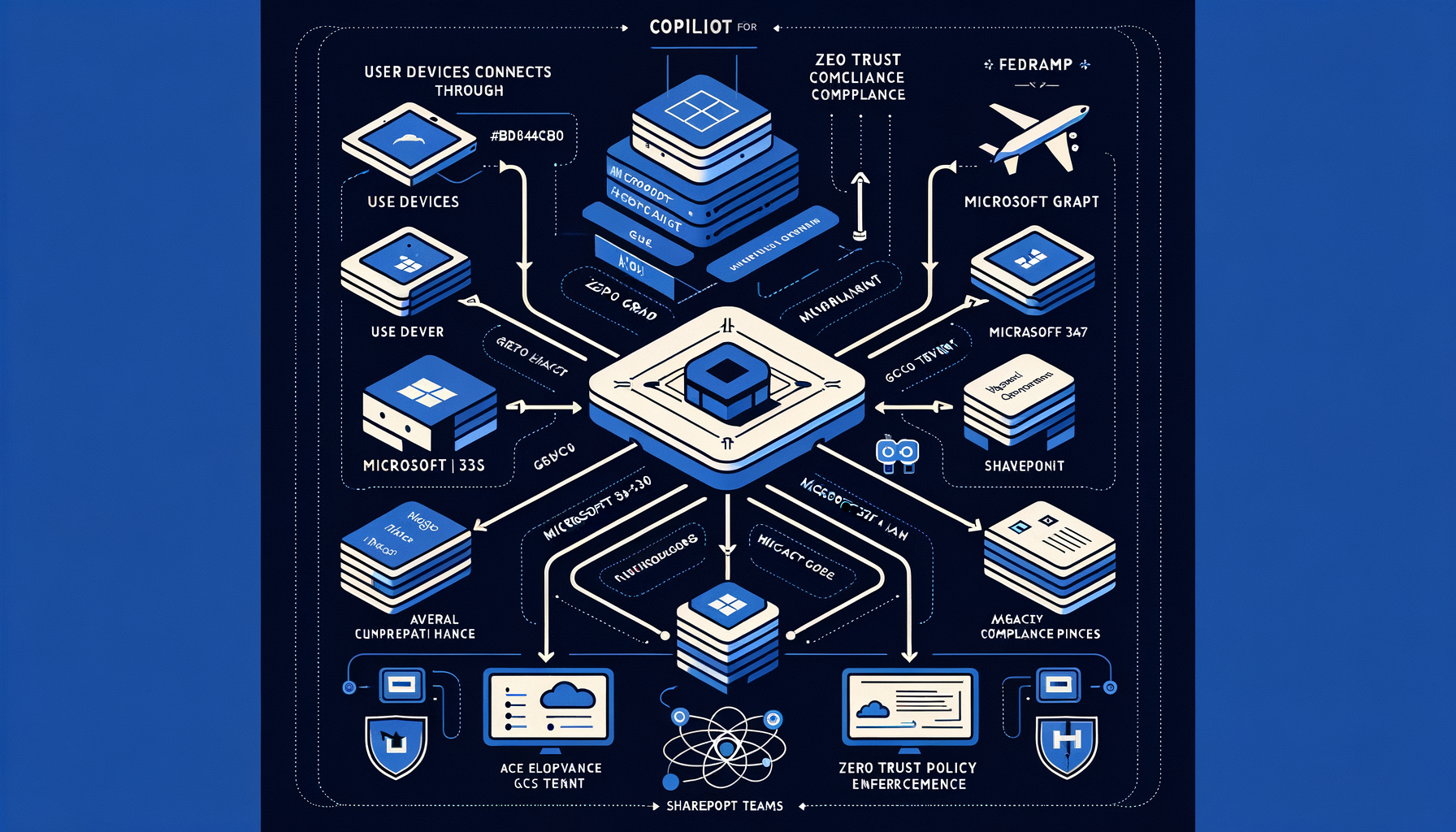
This note distills how federal teams can use Copilot in Outlook to triage inboxes, draft responses, and coordinate meetings within Microsoft 365 US Government clouds, with explicit guardrails on eligibility, data protection, and governance obligations. It relies on Microsoft’s public documentation for US Government availability, security posture, and feature scope, and on federal AI policy baselines for implementation governance123456.
Eligibility and environment
- Availability by cloud: Microsoft documents that Copilot for Microsoft 365 is available in Microsoft 365 US Government environments (GCC, GCC High, and DoD), with app experiences that include Outlook1.
- Supported Outlook clients: Microsoft’s US Government guidance specifies which Outlook clients support Copilot (for example, Outlook on the web and the new Outlook for Windows, as documented for the US Government offering)1.
- Compliance boundary: GCC High and DoD offerings are built for data residency and compliance needs distinct from commercial cloud; Microsoft 365 GCC High is designed for FedRAMP High and DISA SRG IL5 baselines, and the DoD environment supports IL5 workloads, per the Microsoft 365 Government service description3.
- Licensing: Copilot in Outlook requires a Copilot for Microsoft 365 license assigned to the user in the applicable US Government cloud, per Microsoft’s US Government Copilot documentation1.
Data protection in Outlook with Copilot
- Data access model: Copilot uses Microsoft Graph to ground prompts in a user’s existing organizational data and permissions; it does not elevate access and respects existing controls and policy scope24.
- Customer data and training: Microsoft states that customer content and signals are not used to train the foundation models that power Copilot for Microsoft 3652.
- Government cloud boundary: For US Government customers, Copilot for Microsoft 365 is provided within the Microsoft cloud for US Government with protections aligned to that boundary, as described in Microsoft’s US Government Copilot documentation1.
- Compliance controls: Copilot for Microsoft 365 inherits Microsoft 365 compliance and security controls in the US Government environments (for example, identity, access, and information protection controls described in the Microsoft 365 Government service description), and Copilot experiences honor those controls23.
What Copilot can do in Outlook
- Summarize email threads: Copilot can summarize long or complex conversations to help users understand key points and outstanding items4.
- Draft and refine emails: Copilot can draft responses and adjust tone and length, with the user remaining responsible for review and send decisions4.
- Extract actions and follow-ups: Copilot can help identify action items, questions, and commitments within threads to support follow-up planning4.
Note: Microsoft’s US Government page documents supported app experiences and any limitations specific to GCC, GCC High, and DoD; agencies should confirm Outlook feature availability and client support within their specific environment before rollout1.
A practical workflow for federal teams in Outlook
Below is a repeatable, low-risk pattern for daily email operations. Users should adapt the prompts to their mission context and agency communications policy.
- Morning triage with summaries
- Open the thread and invoke Copilot to summarize the conversation.
- Example prompt: “Summarize this thread, list decisions made, open questions, and any deadlines.”
- Use the output to tag priority items and capture follow-ups in your task system.
- Review for sensitivity and apply labels before sharing summaries, per agency policy.
- Draft replies with structure and controls
- Example prompt: “Draft a response that acknowledges receipt, answers the three questions raised, requests the missing attachment, and proposes a 30-minute briefing next week. Keep it under 175 words and use a professional but plain language tone.”
- Verify facts, remove anything not consistent with records, add required references or citations, and apply the appropriate sensitivity label before sending.
- Convert threads to meetings
- Example prompt: “Propose a meeting to resolve the open items. Draft a short email with an agenda (5 bullets), decision points, and a request for pre-reads by EOD Friday.”
- If your tenant supports Copilot for scheduling in Outlook for your government cloud and client, incorporate time windows and participants directly; otherwise, insert the proposed agenda and schedule manually per your calendar practice1.
- Capture actions and accountability
- Example prompt: “Extract action items from this thread with owner, due date if stated, and dependencies.”
- Insert into your project tracker and confirm assignments via a brief reply.
- Compose with policy in mind
- Example prompt: “Rewrite this email to comply with our plain language standard and avoid speculative language. Keep it under 120 words.”
- Apply required headers, disclaimers, and sensitivity labels prior to send.
User responsibility: Copilot outputs are suggestions. Users must verify accuracy, uphold records management, and comply with communications, FOIA, and information protection policies before sending25.
Admin enablement checklist for Outlook Copilot in US Government clouds
Program and tenant administrators should coordinate to ensure technical prerequisites and governance controls are in place:
- Confirm cloud and app support
- Validate that your tenant (GCC, GCC High, or DoD) supports Copilot for Microsoft 365 and that the target Outlook clients in your environment are supported for Copilot experiences, per Microsoft’s US Government documentation1.
- Assign licenses
- Assign Copilot for Microsoft 365 licenses to pilot users in the US Government tenant as documented by Microsoft1.
- Client readiness
- Ensure supported Outlook clients (for example, Outlook on the web and the new Outlook for Windows where applicable) are deployed and configured to use Exchange Online mailboxes as required for the experience in your environment, per Microsoft’s US Government guidance1.
- Security and compliance posture
- Change management
Governance overlay for federal AI policy
- OMB M-24-10 implementation: Agencies must inventory AI use cases, assess and manage risks, and implement safeguards for safety-impacting and rights-impacting uses; collaboration tools with generative assistance fall under agency AI governance processes even when used for productivity, necessitating appropriate risk assessments and safeguards5.
- NIST AI RMF alignment: Integrate Copilot usage into your AI RMF functions—govern, map, measure, and manage—including defined roles, data controls, and performance evaluation within your mission context6.
- Documentation and review: Maintain pilot charters, risk assessments, and user guidance; clearly document any limitations specific to your government cloud (for example, client support or feature availability noted by Microsoft) and your compensating controls156.
US Government caveats and limits to check
- Feature parity: Microsoft’s US Government Copilot documentation specifies app experiences and any limitations unique to GCC, GCC High, and DoD; verify Outlook feature parity and supported clients for your cloud before broad deployment1.
- Data handling: Confirm that your governance team understands Microsoft’s commitments that Copilot for Microsoft 365 does not use customer content to train foundation models, and that data access is constrained by Microsoft Graph permissions and existing policies2.
- Compliance boundaries: Ensure your deployment remains within the Microsoft 365 Government compliance boundary relevant to your agency (for example, GCC High or DoD for IL5 workloads), as defined in the service description3.
Quick-start prompts library for Outlook
- Summarize: “Summarize this thread with decisions, unresolved questions, and who owns each next step.”
- Draft reply: “Draft a concise reply (<=150 words) that answers the three enumerated questions, requests the budget attachment, and proposes two meeting times next week.”
- Clarify: “Rewrite this message to remove jargon and align to plain language guidelines.”
- Extract actions: “List action items with owner and due date mentioned in the thread.”
- Prepare agenda: “Create a 5-bullet agenda from this thread to resolve the open issues, noting decisions needed.”
These prompts are examples; users must validate content and apply required labels and approvals per agency policy before sending25.
1: Microsoft Copilot for Microsoft 365 for US Government — https://learn.microsoft.com/en-us/microsoft-365/copilot/microsoft-365-copilot-usgov?view=o365-worldwide
2: Data, privacy, and security for Microsoft Copilot for Microsoft 365 — https://learn.microsoft.com/en-us/microsoft-365/copilot/privacy?view=o365-worldwide
3: Microsoft 365 Government - Service Description — https://learn.microsoft.com/en-us/office365/servicedescriptions/office-365-platform-service-description/office-365-us-government
4: Overview of Microsoft Copilot for Microsoft 365 — https://learn.microsoft.com/en-us/microsoft-365/copilot/microsoft-365-copilot-overview?view=o365-worldwide
5: OMB M-24-10 — Advancing Governance, Innovation, and Risk Management for Agency Use of Artificial Intelligence — https://www.whitehouse.gov/omb/memoranda/2024/m-24-10/
6: NIST AI Risk Management Framework 1.0 — https://www.nist.gov/itl/ai-risk-management-framework
References
- Microsoft Copilot for Microsoft 365 for US Government — https://learn.microsoft.com/en-us/microsoft-365/copilot/microsoft-365-copilot-usgov?view=o365-worldwide ↩
- Data, privacy, and security for Microsoft Copilot for Microsoft 365 — https://learn.microsoft.com/en-us/microsoft-365/copilot/privacy?view=o365-worldwide ↩
- Microsoft 365 Government - Service Description — https://learn.microsoft.com/en-us/office365/servicedescriptions/office-365-platform-service-description/office-365-us-government ↩
- Overview of Microsoft Copilot for Microsoft 365 — https://learn.microsoft.com/en-us/microsoft-365/copilot/microsoft-365-copilot-overview?view=o365-worldwide ↩
- OMB M-24-10 — Advancing Governance, Innovation, and Risk Management for Agency Use of Artificial Intelligence — https://www.whitehouse.gov/omb/memoranda/2024/m-24-10/ ↩
- NIST AI Risk Management Framework 1.0 — https://www.nist.gov/itl/ai-risk-management-framework ↩