Bottom line for federal teams
- Copilot for Microsoft 365 is a generative AI assistant integrated into Word, Excel, PowerPoint, Outlook, Teams, and other Microsoft 365 apps; US Government tenants should use the US Government cloud offering and validate feature availability against the service description before events or pilots1.
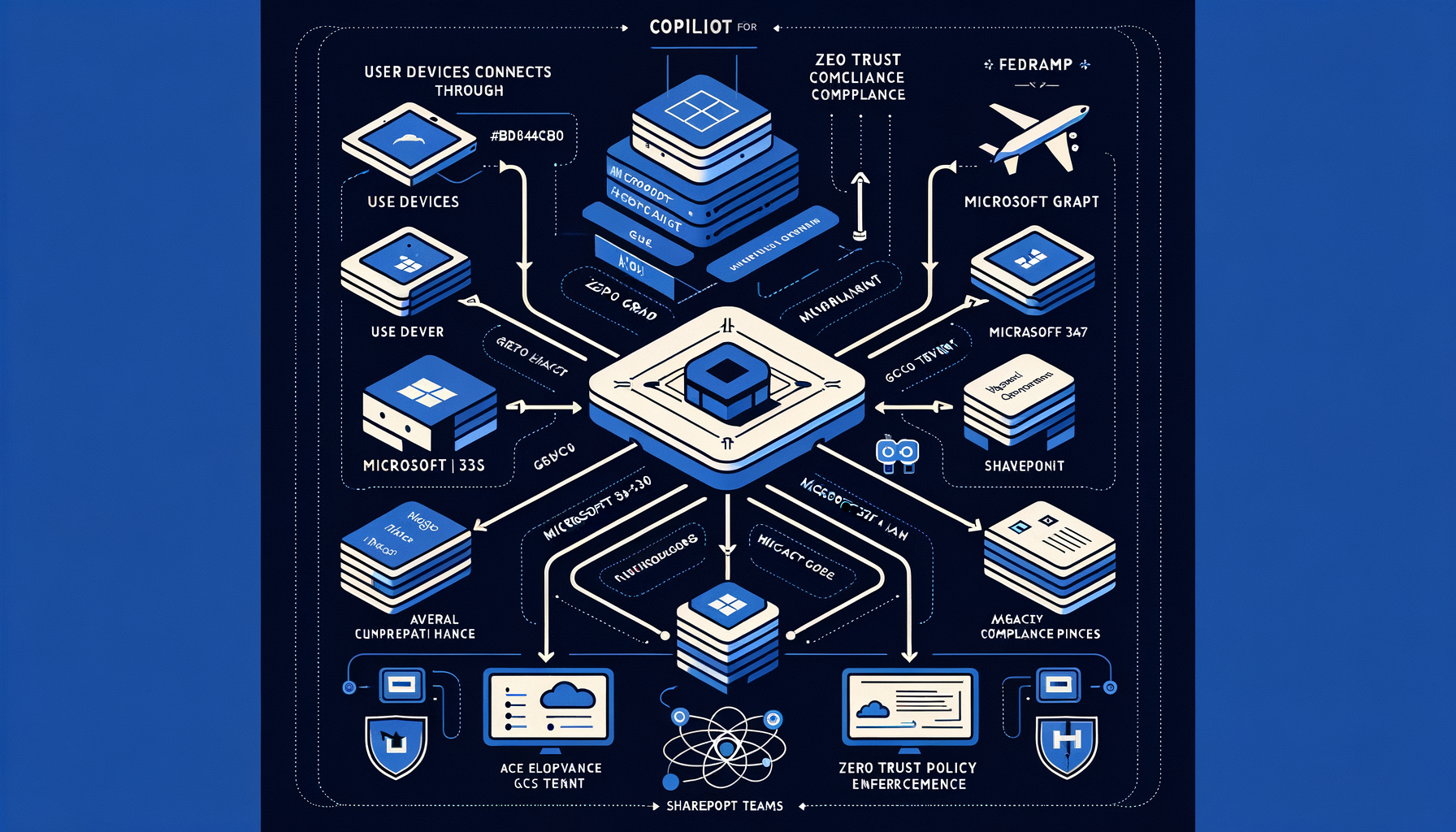
- In US Government environments, Microsoft 365 enforces data residency, personnel screening, and compliance commitments designed for federal workloads; Copilot honors existing Microsoft 365 permissions, uses the Microsoft Graph to ground responses in user- and organization-authorized content, and does not use your tenant data to train foundation models234.
- Agencies should align prompt-a-thon activities and enterprise rollouts with OMB M-24-10 requirements (governance, risk management, and inventorying of AI use cases) and the NIST AI RMF, and apply secure-by-design practices per CISA/NSA guidance567.
What Copilot for Microsoft 365 delivers in US Government cloud
Embedded assistance in core apps
- Word: draft, rewrite, summarize, and transform content with user-provided prompts and organization-context grounding1.
- Excel: analyze and explain data, create formulas and summaries from natural language prompts on supported data sets1.
- PowerPoint: generate presentations from documents or prompts and adapt tone/length with slide-aware grounding1.
- Outlook: summarize threads, propose replies, and extract action items while honoring mailbox permissions1.
- Teams: recap meetings, synthesize action items, and assist in chat with access controls enforced through Microsoft Graph13.
Licensing and prerequisites
- Copilot for Microsoft 365 requires an eligible Microsoft 365 or Office 365 base plan and a Copilot add-on license; agencies must confirm availability and feature scope for GCC or GCC High tenants in the service description1.
- US Government cloud service characteristics (for GCC, GCC High, and DoD) include U.S. data residency and screened U.S. personnel; agencies should verify the applicable cloud’s compliance posture against mission requirements before enabling Copilot2.
Data protection and compliance posture
Permission trimming and grounding
- Copilot uses the Microsoft Graph to “ground” prompts with content the signed-in user is authorized to access (e.g., SharePoint, OneDrive, Exchange), and it respects existing access controls; it does not change permissions or expose content a user cannot access3.
Model privacy
US Government cloud safeguards
- The Office 365 US Government service description documents data residency, identity, and compliance commitments for GCC, GCC High, and DoD environments; agencies should map these to ATO boundary descriptions when introducing Copilot-enabled workflows2.
Compliance controls integration
Policy alignment for prompt-a-thons and beyond
OMB M-24-10
- Appoint or engage the Chief AI Officer and AI governance functions to oversee prompt-a-thon scope; treat it as part of the agency AI use-case inventory and risk management program required by M-24-105.
- For any safety-impacting or rights-impacting use cases explored, apply M-24-10 minimum practices (testing, monitoring, human-in-the-loop, documentation), even in pilot settings5.
NIST AI RMF 1.0
- Use the RMF functions (Map, Measure, Manage, Govern) to structure evaluation: define context and risks, establish test plans and metrics for quality and harm prevention, and assign accountability for controls and monitoring6.
CISA/NSA secure AI guidance
- Follow secure-by-design principles for AI-enabled systems—protect training and inference pipelines, enforce identity and access, monitor outputs and logs, and constrain integrations—to reduce attack surface during experimentation and rollout7.
A practical field guide for a government prompt-a-thon
Pre-event readiness
- Confirm tenant fit and feature scope
- Bound the data corpus
- Enforce guardrails
- Set evaluation criteria
High-impact federal scenarios to exercise
- Policy and directive synthesis
- Summarize lengthy policy documents and generate side-by-side change analyses for internal review, while citing source locations for human verification in Word1.
- Case and correspondence triage
- Produce first-draft responses to routine inquiries from approved templates and prior communications in Outlook, with reviewer sign-off before sending1.
- Meeting intelligence
- Capture action items and decisions from Teams meetings, generating follow-up task lists and summaries routed to the correct team channels for validation1.
- Data calls and reporting
- Use Excel to explain tables, create pivot summaries, and draft narrative sections for internal reports from approved datasets, with human confirmation of calculations1.
Operational risk mitigations during the event
- Keep a human in the loop
- Prompt hygiene
- Use bounded prompts that specify data sources, date ranges, classification constraints, and required citations to improve relevance and reduce overreach3.
- Monitor and log
- Capture outcomes, errors, and policy triggers; retain artifacts to support after-action reviews, risk assessments, and inventory updates mandated by M-24-105.
Post-event enterprise steps
- Update AI use-case inventory and risk register with findings, quality metrics, and required controls for scale-up per M-24-10 and the AI RMF Manage function56.
- Tune policies and permissions based on observed failure modes (e.g., overbroad access, missing retention labels) and re-test before wider rollout8.
- Define pilot rings and training, prioritizing mission workflows with measurable ROI and low rights-impact as you expand beyond the event56.
Microsoft platform notes for federal missions
Microsoft 365 US Government cloud alignment
- US Government cloud characteristics (GCC and GCC High) described by Microsoft include U.S. data residency and screened personnel; agencies should use the Office 365 US Government service description as a basis for ATO scoping when enabling Copilot in these environments2.
Responsible data use in Copilot
Adjacent security and compliance controls
If you are participating in a regional government prompt-a-thon, use the checklist above to ensure your tenant, data, guardrails, and evaluation protocol are ready. Confirm event logistics and any environment prerequisites with the official registration source before you rely on specific dates or locations.
2: Office 365 US Government service description — https://learn.microsoft.com/en-us/office365/servicedescriptions/office-365-platform-service-description/office-365-us-government 1: Microsoft Copilot for Microsoft 365 service description — https://learn.microsoft.com/en-us/office365/servicedescriptions/microsoft-copilot/microsoft-copilot 4: Safeguarding data in Microsoft Copilot for Microsoft 365 — https://www.microsoft.com/en-us/security/blog/2023/11/16/safeguarding-data-in-microsoft-copilot-for-microsoft-365/ 3: How Microsoft Copilot for Microsoft 365 uses your data — https://support.microsoft.com/en-us/office/how-microsoft-copilot-for-microsoft-365-uses-your-data-4b556f5f-1d5b-468b-93b6-5b0f084f2701 5: OMB M-24-10 Advancing Governance, Innovation, and Risk Management for Agency Use of Artificial Intelligence — https://www.whitehouse.gov/wp-content/uploads/2024/03/M-24-10-Advancing-Governance-Innovation-and-Risk-Management-for-Agency-Use-of-Artificial-Intelligence.pdf 6: NIST AI Risk Management Framework 1.0 — https://www.nist.gov/itl/ai-risk-management-framework 7: Guidelines for Secure AI System Development — https://www.cisa.gov/resources-tools/resources/guidelines-secure-ai-system-development 8: Learn about data loss prevention — https://learn.microsoft.com/en-us/purview/dlp-learn-about-dlp
References
- Microsoft Copilot for Microsoft 365 service description — https://learn.microsoft.com/en-us/office365/servicedescriptions/microsoft-copilot/microsoft-copilot ↩
- Office 365 US Government service description — https://learn.microsoft.com/en-us/office365/servicedescriptions/office-365-platform-service-description/office-365-us-government ↩
- How Microsoft Copilot for Microsoft 365 uses your data — https://support.microsoft.com/en-us/office/how-microsoft-copilot-for-microsoft-365-uses-your-data-4b556f5f-1d5b-468b-93b6-5b0f084f2701 ↩
- Safeguarding data in Microsoft Copilot for Microsoft 365 — https://www.microsoft.com/en-us/security/blog/2023/11/16/safeguarding-data-in-microsoft-copilot-for-microsoft-365/ ↩
- OMB M-24-10 Advancing Governance, Innovation, and Risk Management for Agency Use of Artificial Intelligence — https://www.whitehouse.gov/wp-content/uploads/2024/03/M-24-10-Advancing-Governance-Innovation-and-Risk-Management-for-Agency-Use-of-Artificial-Intelligence.pdf ↩
- NIST AI Risk Management Framework 1.0 — https://www.nist.gov/itl/ai-risk-management-framework ↩
- Guidelines for Secure AI System Development — https://www.cisa.gov/resources-tools/resources/guidelines-secure-ai-system-development ↩
- Learn about data loss prevention — https://learn.microsoft.com/en-us/purview/dlp-learn-about-dlp ↩